
Dell Latitude X300 Replacement Keys
OEM replacement key repair kit for the Dell Latitude X300. Each kit includes the keycap, retainer clip, and rubber cup — everything needed for a complete, tool-free repair.
Choose any key on the keyboard layout to see price and add to cart
- Exact OEM fit — snaps on without tools
- Ships in 1–2 business days
- Over 4 million keys in stock
- Free installation guide included
What's in the Kit
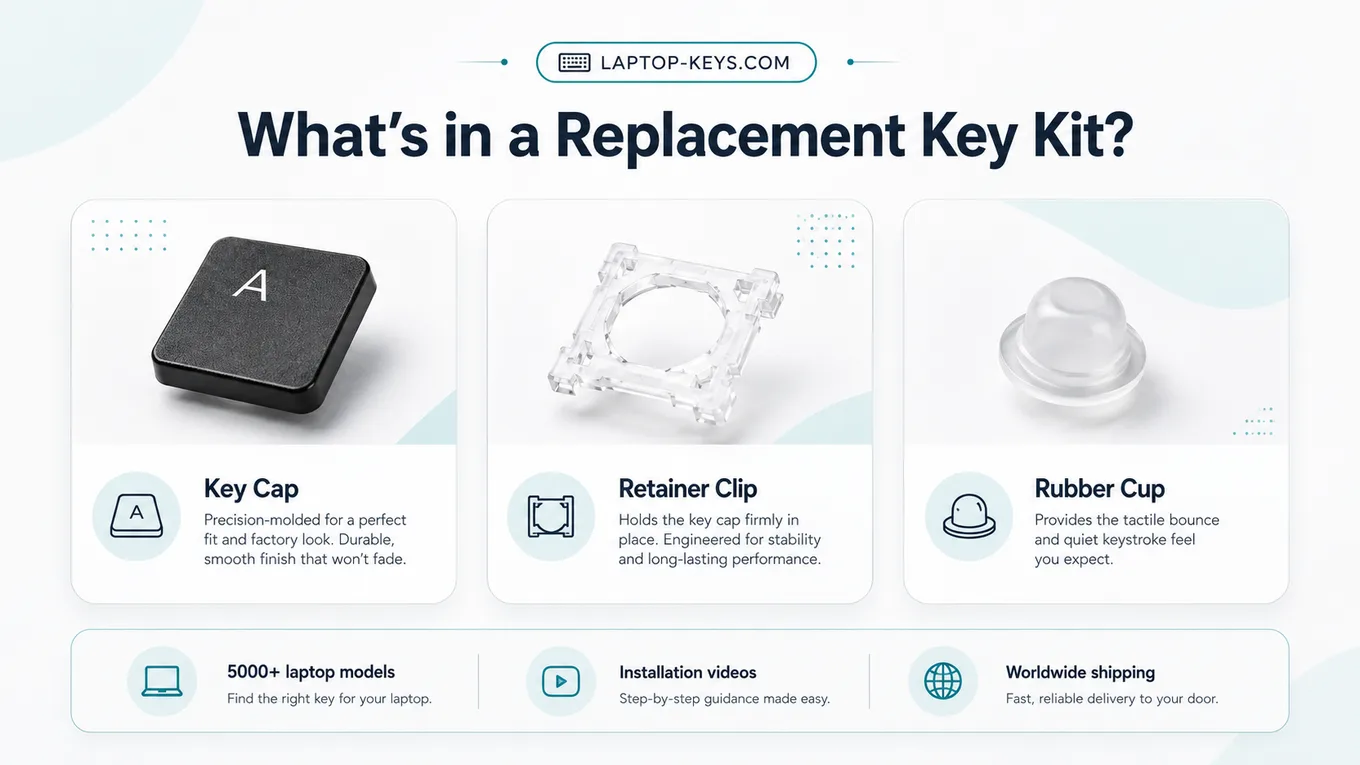
Every order includes all three parts for the selected key — most repairs only need one of them, so you're covered whichever piece broke.
How to Replace a X300 Key
- Confirm the exact Dell model number before ordering.
- Open the matching keyboard layout and select the damaged key.
- Compare any retainer clip options shown for that model.
- Remove the broken key parts carefully from the keyboard.
- Snap the replacement retainer, rubber cup, and key cap into place.
- Test the key travel and confirm it registers normally.
Work slowly when removing the old key — the clips are small plastic parts. The installation guide has photos for every clip style.
Frequently Asked Questions
How do I know this is the correct key for my Dell Latitude X300?
Match the full Dell model name before ordering. This page links to the exact Dell Latitude X300 keyboard layout so you can select the key you need and confirm any clip type shown for that model.
What comes with a Dell Latitude X300 replacement key kit?
Each kit includes the key cap, retainer clip, and rubber cup for the selected key. These are the parts normally needed when one laptop key is missing, broken, loose, or stuck.
Can I replace one Dell Latitude X300 key instead of the whole keyboard?
Yes, when the problem is limited to one key cap, retainer clip, or rubber cup. If many keys stopped working after liquid damage or the keyboard base is damaged, a full keyboard repair may be needed.